

Send files free online. Zero server storage.
📱 Mobile Video Tip: Sending large gallery videos? Select 1 video first (then tap Add more files) for faster loading.
and , and I have the right to share these files.
End-to-end encrypted in your browser. Share the code immediately — receiver downloads live.
- No login
- No copy kept after the session
- Original file, no compression
- Unlimited transfer size
How it works
Four steps from sender to receiver.
- 1
Step 1
Select files in the browser.
Drag and drop or pick any files. Nothing is uploaded yet.
- 2
Step 2
Get a link or 6-digit code.
Share the link, the code or the QR code with the receiver.
- 3
Step 3
Other person opens it in their browser.
On a phone, tablet or computer. No app or account needed.
- 4
Step 4
File streams directly while both tabs stay open.
The data goes from one browser to the other until it's done.
Live transfer, not cloud storage
This is a live transfer, not cloud storage. If someone closes the tab, the transfer stops. That is how the file avoids sitting on our servers.
Our server only connects the browsers
We use a server only to help the two browsers find each other. File bytes are not stored as a downloadable copy on our side.
Direct P2P File Transfer Service
Direct browser tunnel. Zero intermediate cloud storage.
When you need a reliable file sending service to transfer large files for free, traditional cloud uploaders introduce friction, upload delays, and privacy vulnerabilities. SendFiles.in eliminates the cloud middleman entirely.
Using WebRTC data channels protected by DTLS/SRTP encryption, files stream in real time directly from the sender's device memory to the recipient's device memory. No copies are ever written to server hard drives, meaning your confidential videos, legal documents, audio masters, and software archives remain 100% private.
- Direct memory streaming
- Zero server disk storage
- No size or format capping
- End-to-end encrypted channel (DTLS / SRTP)
- Browser-to-browser WebRTC protocol
- Zero email or account requirement
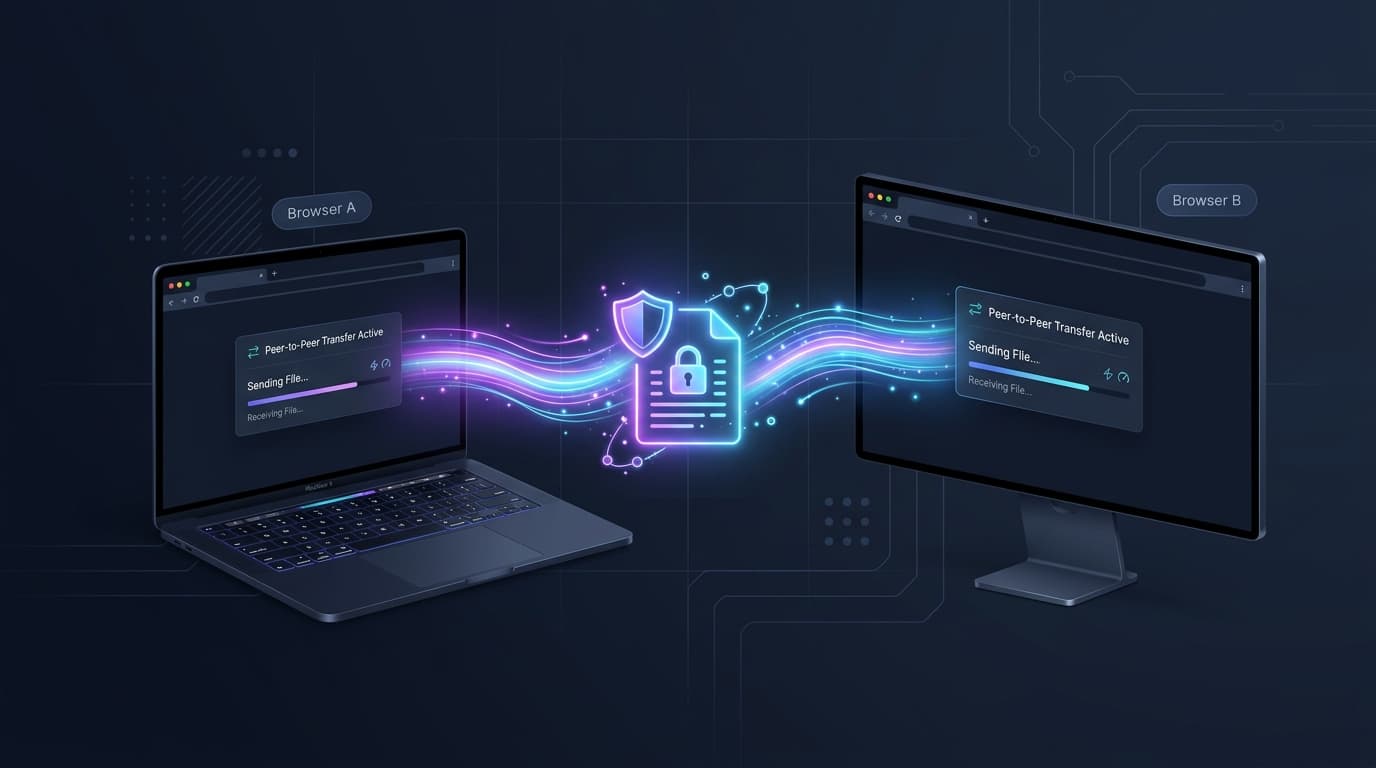
Why professionals choose SendFiles.in
A next-generation file sending service engineered for speed, privacy, and zero file size restrictions.
Instant Live Streaming
Traditional file sharing services require you to wait for 100% of the upload to finish before your recipient can even begin downloading. With SendFiles.in, the recipient starts downloading byte-by-byte as soon as you hit send. A 10GB file transfer completes in half the total time.
Zero Server Retention
Cloud transfer platforms like WeTransfer store your files on Amazon AWS for 7 days, while SwissTransfer retains files on Swiss hard drives for up to 30 days. SendFiles leaves zero digital residue. Once the transfer completes and you close the tab, the connection vanishes permanently.
True End-to-End Encryption
Data transferred through SendFiles is secured directly between browser endpoints using DTLS/SRTP cryptography with AES-256 keys. Because the encryption keys reside strictly in memory on the connected devices, no third party—not even SendFiles.in—can inspect or decrypt your data.
How SendFiles compares to WeTransfer & SwissTransfer
An honest feature breakdown of file size caps, retention periods, email gates, and real-world transfer speeds.
| Feature | SendFiles.in | SwissTransfer | WeTransfer |
|---|---|---|---|
| Free File Size Limit | Unlimited (No Cap) | 50 GB | 2 GB |
| Account / Email Required | No (Instant) | Optional / Prompts Email | Mandatory Email Code |
| Server Retention Time | 0 Days (Instant Stream) | Up to 30 Days | 7 Days |
| Transfer Architecture | Direct P2P Streaming | Cloud Upload & Staging | Cloud Upload & Staging |
| Waiting Time | Instant Download Start | Must Wait for 100% Upload | Must Wait for 100% Upload |
| Cost for 20GB+ Files | 100% Free | Free up to 50 GB | $12+/month (Pro plan) |
Want a detailed breakdown of WeTransfer's free tier vs P2P?
How to Transfer Large Files for Free Without Limits
Transferring multi-gigabyte files across the internet has historically been hindered by arbitrary size caps, forced user registrations, and sluggish upload speeds. When creative professionals, software engineers, and remote teams need to send large files online free, they frequently run into paywalls. WeTransfer caps free transfers at 2 GB, while email servers typically reject attachments exceeding 25 MB.
SendFiles.in redefines digital distribution by leveraging WebRTC (Web Real-Time Communication) to establish a direct, peer-to-peer data pipeline between any two web browsers worldwide. Whether you are moving a 4K ProRes video edit from a studio Mac to a remote workstation, sharing a 50GB virtual machine image with a developer, or syncing folders from phone to laptop over local WiFi, the data streams across memory buffers without ever touching a third-party hard drive.
The Three-Step Peer-to-Peer Transfer Workflow
- Select Your Files or Folders: Drag and drop any file directly onto the transfer area on this page. Because data is never uploaded to a cloud server disk, there is no file preparation delay and no file size limit.
- Share the 6-Digit Code or Secure Link: SendFiles generates an instant temporary 6-digit numeric code, QR code, and one-click URL. Send this code to your recipient via your preferred messaging app, WhatsApp, Slack, or SMS.
- Live Peer Connection & Real-Time Download: When the recipient enters the code or opens the link, both browsers perform a cryptographic handshake and connect directly. As the sender reads chunks into memory, the receiver saves them directly to disk. Both parties keep their browser tabs open until the transfer counter reaches 100%.
Why Direct Memory Streaming is Faster than Cloud Storage
When using conventional cloud storage hosts (Google Drive, Dropbox, WeTransfer, SwissTransfer), the transfer process requires two distinct, serialized phases:
- Phase 1: You upload the entire file from your computer to their remote data center. On a 20GB file, this can take 20–40 minutes depending on your uplink.
- Phase 2: Once the upload finishes and their server finishes processing, the recipient receives a link and must download the 20GB file from their server to their device, taking another 20–40 minutes.
In total, both parties wait 40–80 minutes. With SendFiles.in's direct P2P streaming, the recipient starts receiving bytes within seconds of the connection handshake. The transfer happens at the maximum throughput supported by the weakest link between both connections, completely eliminating the cloud upload staging step.
Security and Privacy Standards
In corporate, legal, and creative environments, confidentiality is non-negotiable. Storing client files on third-party cloud servers exposes your data to subpoena requests, server breaches, and rogue employee access. SendFiles operates on a strict zero-knowledge architecture:
- End-to-End Encryption: All WebRTC traffic is mandated by standard to use DTLS (Datagram Transport Layer Security) and SRTP. Even if traffic passes through a TURN relay to cross strict firewalls, the relay only forwards encrypted packets and cannot decrypt the payload.
- Zero Account Tracking: You do not need to register an account, enter an email address, or provide phone verification. There are no tracking cookies or personal data collection.
- Instant Expiration: Once the transfer session finishes or either party closes the browser tab, the temporary connection is severed and the session key is invalidated immediately.
File transfer guides & solutions
Practical walkthroughs for moving massive files across platforms, devices, and networks without cloud friction.
Large Files
Send Large Files Online Free Without Upload Limits
How direct memory streaming enables sending 10 GB, 50 GB, or 100 GB files without cloud upload delays or subscription fees.
Read guidePrivacy
Send Files Without Registration or Account Creation
Eliminate email spam and security risks. Share documents and media instantly using 6-digit codes or QR pairings.
Read guideComparison
WeTransfer Alternatives Compared (2026)
Comparing top file sharing services that do not enforce 2GB upload caps, forced email verification, or cloud storage risks.
Read guideComparison
SwissTransfer Alternative: Zero Cloud Storage
Why privacy-conscious users are moving from 30-day Swiss cloud hosting to zero-knowledge browser-to-browser P2P streaming.
Read guideSend Videos on WhatsApp Without Compression
WhatsApp downscales video bitrates by default. Discover how to share full-resolution 4K video files using direct streaming links.
Read guideLocal Network
WiFi and LAN Direct File Transfer
How direct browser connections route files across your local WiFi for multi-gigabit speeds without touching the public cloud.
Read guideArchitectural comparison
How SendFiles.in Compares to Traditional Services
SendFiles.in eliminates cloud server storage entirely. By establishing a direct, encrypted WebRTC tunnel between browsers, you get faster transfers, zero file limits, and complete anonymity.
| Comparison Criteria | SendFiles.in | WeTransfer | Smash | ToffeeShare | Send Anywhere |
|---|---|---|---|---|---|
| Transfer Architecture | Pure Peer-to-Peer (WebRTC) | Central Cloud Hosting | Central Cloud Hosting | Pure Peer-to-Peer (WebRTC) | Cloud / P2P Hybrid |
| Free File Size Limit | No Platform Cap (P2P Stream) | 2 GB Maximum | No Hard Cap (Throttled >2GB) | No Platform Cap (P2P Stream) | 10 GB Max (Link) |
| Account or Login Required | No (100% Anonymous) | Email Verification / Login | No Registration Required | No Registration Required | Optional / Prompts App |
| Cloud Server Data Retention | 0 Hours (Live Memory Stream) | 7 Days on Central Servers | Up to 7 Days on Cloud Disks | 0 Hours (Live Memory Stream) | 48 Hours on Cloud Servers |
| End-to-End Encryption (E2EE) | WebRTC DTLS (encrypted in transit) | Server TLS Only | Server TLS / AES at Rest | WebRTC DTLS / SCTP | Proprietary Protocol |
| Speed & Queue Priority | Unthrottled Direct ISP Speed | Standard Cloud Bandwidth | Non-priority Queue >2GB | Direct ISP Bandwidth | Standard Bandwidth |
| Transfer Cost | 100% Free Forever | $12+/mo for >2GB | Free Tier / Paid Pro Plans | Free / Optional Paid App | $5.99+/mo for Pro |
Why choose SendFiles.in over WeTransfer or cloud hosts?
SendFiles.in streams files directly peer-to-peer over encrypted WebRTC connections. Because files are never stored on our servers, there are zero storage limits, no registration barriers, and no 7-day expiration deadlines.
Frequently asked questions
Everything you need to know about our free peer-to-peer file transfer service.
Still have questions?
Can't find what you're looking for? Send us a message and we'll get back to you.
Does SendFiles store copies of my files?
No. Files are never saved to disk or stored on our servers. The file streams directly from your device memory to the recipient's device memory over an encrypted WebRTC data channel.
Why do both tabs have to stay open during the transfer?
Because SendFiles is a live stream, not cloud storage. Your browser serves the file directly to the downloader. If either tab is closed before the transfer reaches 100%, the transfer stops.
Is there any limit on file size? Can I send 50GB or 100GB?
No artificial limits. You can send gigabytes or terabytes. While traditional services cap free transfers at 2 GB (WeTransfer) or 50 GB (SwissTransfer), SendFiles bypasses server storage completely, allowing direct transfers of 10 GB, 50 GB, 100 GB, or larger files without paywalls.
How does SendFiles compare to services like WeTransfer and SwissTransfer?
WeTransfer enforces a 2 GB free limit, requires email verification codes, and holds your files on AWS servers for 7 days. SwissTransfer allows 50 GB but retains files in Swiss datacenters for up to 30 days and requires waiting for a full upload before the recipient can download. SendFiles provides instant real-time streaming: the recipient starts downloading as you upload, with zero server storage, zero login, and no file size limits.
Do I need an account or software installation?
No. SendFiles requires no account, email address, password, or application download. It runs directly inside standard web browsers across PC, Mac, Linux, Android, and iOS.
Are files compressed during transfer?
No. Files stream byte-for-byte in their original form without re-encoding, resolution reduction, or archive compression. Raw video footage, lossless audio, and high-resolution photos arrive untouched.
Is SendFiles really free?
Yes. SendFiles is completely free to use. There are no paid tiers, trials, subscriptions, or hidden charges, and you never need to enter payment details.
Can I send files from my phone to my computer?
Yes. SendFiles works in any modern browser on Android, iPhone, iPad, Windows, macOS, and Linux. Open the link or scan the QR code on the other device to receive the files instantly over your local WiFi or internet connection.
Can I send several files or a whole folder at once?
You can select as many files as you like and send them together in one transfer. To send a folder, you can compress it into a ZIP file first or select all files directly.
Which browsers are supported?
Recent versions of Chrome, Edge, Firefox, Safari, Brave, and Opera all work seamlessly. Both participants just need a modern browser; no plugins or extensions are required.
What happens if the connection drops?
The transfer stops, because the file is streamed live and never stored on a server. Keep both tabs open on a stable connection, and if a transfer fails, simply start a new session.
How long does the link or code work?
The link and 6-digit code are temporary. They expire after about 10 minutes if nobody connects, and the session ends when the transfer finishes.
Still have questions?
Can't find what you're looking for? Send us a message and we'll get back to you.
Ready to transfer large files?
Free file transfer service with no limits, no registration, and zero cloud storage. Stream directly in your browser now.